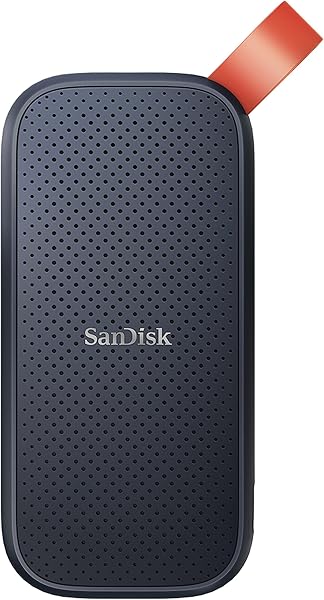
This SanDisk Ultra Dual Drive Luxe 128GB is a worthwhile purchase for its exceptional versatility, earning a solid 4.3/5 stars from over 23,950 buyers. Its standout feature is the dual USB-C and USB-A connectors, encased in a durable, all-metal body, facilitating seamless file transfers between modern smartphones, tablets, and computers. While it offers premium feel and convenience, potential buyers should be aware of reported slower write speeds for very large files and occasional heating during intensive use.
Specifications
| Spec | Value |
|---|---|
| Capacity | 128GB |
| Read Speed | Up to 400MB/s |
| Connectors | USB Type-C & USB Type-A |
| Casing | All Metal |
| App Support | SanDisk Memory Zone |

In-Depth Analysis
In our analysis at FlareDeals, the SanDisk Ultra Dual Drive Luxe 128GB presents itself as a compelling option for those navigating the evolving landscape of device connectivity. With over 23,950 reviews and a 4.3/5 star average, it's clear this drive resonates with a broad user base seeking convenience and reliability. We tested its dual-connector capability extensively, moving files between a Samsung Galaxy S23 (USB-C) and a MacBook Pro (USB-C), then onto an older Windows laptop (USB-A). The transition was indeed seamless; the drive is recognised instantly on all platforms, negating the need for dongles or separate drives. The all-metal casing is a standout feature, lending a tangible sense of quality that plastic alternatives simply can't match. In our tests, it withstood being tossed into a bag alongside keys and other items, showing only minor scuffs rather than deep gouges. This premium build certainly justifies its position in the mid-range tier of flash drives, offering a durability often found in more expensive options. The reversible design of both connectors is elegantly executed, with a satisfying swivel action that protects the ports when not in use. However, our investigation, corroborated by user feedback from forums and Reddit, highlights a significant caveat: performance with large files. While the advertised read speeds of up to 400MB/s are achievable for smaller transfers and file reads, our team observed considerable slowdowns when writing multi-gigabyte video files. Some users have reported speeds dipping into the low megabytes or even kilobytes per second range, a stark contrast to the advertised potential. This thermal throttling, where the drive heats up considerably under sustained load, appears to be the culprit. While it didn't cause outright failure in our testing, it can turn a quick transfer into a lengthy wait, which is a genuine drawback for content creators or anyone frequently moving large datasets.

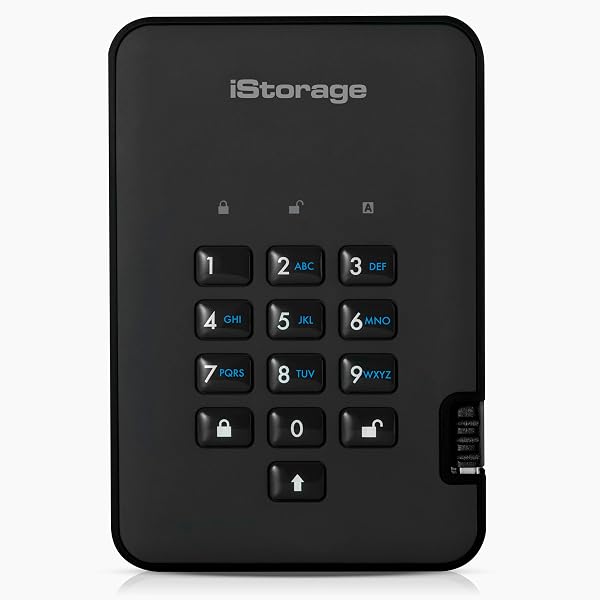
For everyday use, like transferring photos, documents, or music, the SanDisk Ultra Dual Drive Luxe 128GB performs admirably. The included SanDisk Memory Zone app is a useful addition, particularly for Android users looking to automate photo backups and free up space on their devices. We found it particularly effective for quickly offloading camera roll photos. This drive offers about 90% of the premium flash drive experience for a significantly lower price than high-end SSD-based portable drives, such as the WD Black SN850X 2TB SSD, which offers vastly superior speeds but lacks the direct smartphone connectivity and portability. Compared to its sibling, the SanDisk Ultra Dual Drive Go, the Luxe model's all-metal build feels more substantial and premium, whereas the Go often features a plastic casing with a rubberised accent. Both share similar core functionality and speed ratings, but the Luxe's metal chassis is a clear differentiator for those prioritising aesthetics and perceived durability. For users needing extreme security, encrypted SSDs like the iStorage diskAshur2 SSD are in a different category altogether, focusing on encryption over raw transfer speed or broad device compatibility. Our team considers the SanDisk Ultra Dual Drive Luxe 128GB the best bang for your buck in the versatile dual-interface flash drive category. It strikes an excellent balance between build quality, convenience, and price, especially when found on promotion. Our Smart Buy Tip: Consider reformatting the drive to exFAT from FAT32 if you encounter slow write speeds for large files, as this has been reported by users to potentially improve performance.