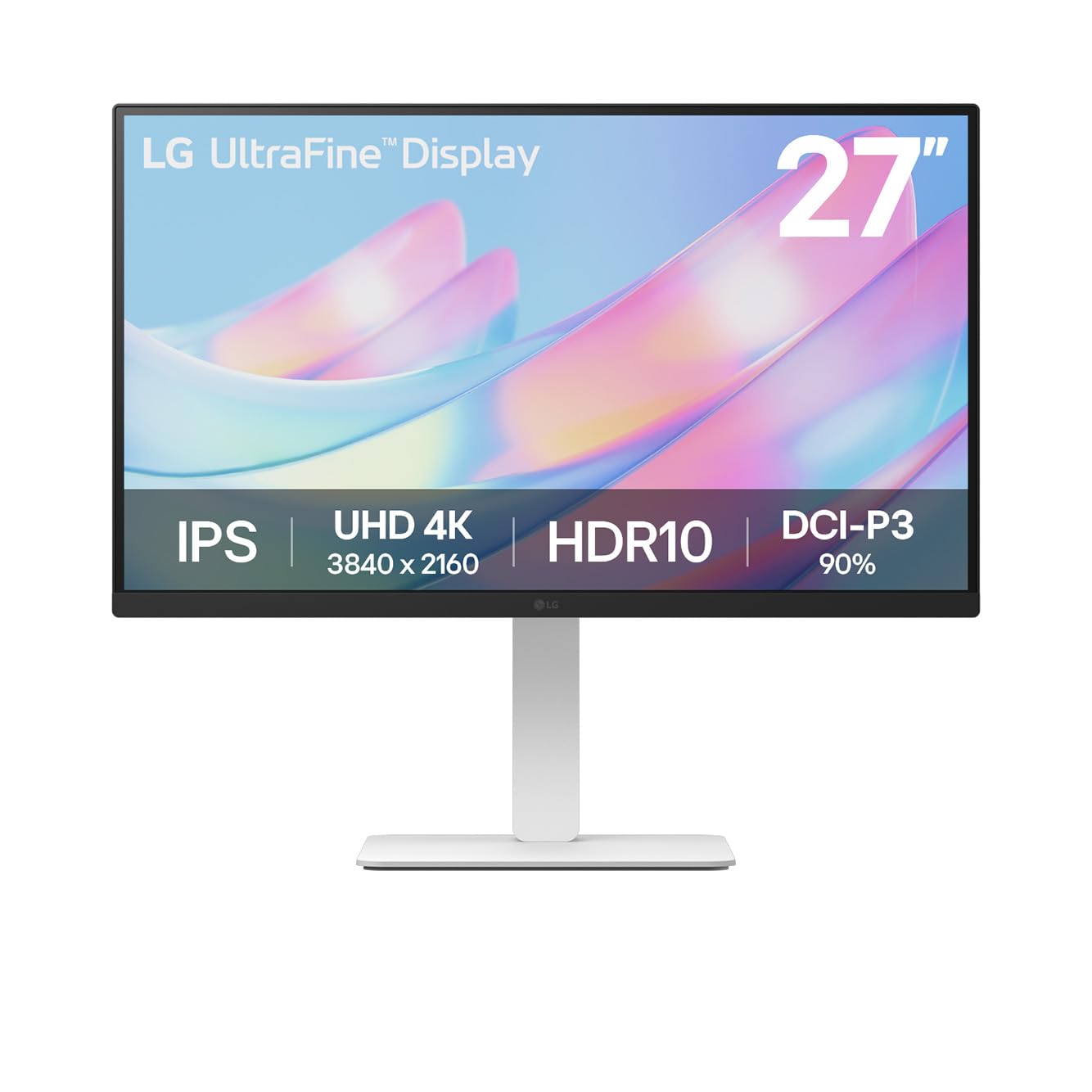
The LG UltraFine Monitor 27US550 is problematic for Mac users but adequate for office tasks, offering 4K clarity.
- The monitor offers dependable 4K clarity, valued for productivity.
- Owners find it an affordable 4K monitor sufficient for office work.
- However, Mac users report it's detected as a 32-inch display with pixelated rendering that's stressful on the eyes.
- The 4K resolution is also noted as not very usable for Mac users due to small UI elements.
- It is not built for high refresh rate gameplay, with a 60Hz refresh rate.
Mac users should avoid this monitor due to scaling and rendering issues; gamers seeking high-performance displays should look elsewhere.

Who it suits
Works well if
- General office work and productivity tasks.
- Users prioritising an affordable 4K resolution for basic use.
Think twice if
- Mac users due to display scaling and rendering issues.
- Gamers requiring high refresh rates.
- Users needing built-in speakers or a USB hub.
The numbers that matter
- 27-inch UltraFine 4K (3840x2160) resolution displays breathtaking clarity and fine detail.
- HDR10 with DCI-P3 90% (Typ.) provides a more lifelike picture.
- The marketplace has an average rating of 4.3 out of 5 stars from 42 ratings.
- Item Weight is 6.8 kg.
What the evidence says
| Item | Value |
|---|---|
| Screen Size | 27 Inches |
| Resolution | 3840 x 2160 Pixels |
| Refresh Rate | 60Hz |
| Response Time | 5ms |
| Colour Gamut | DCI-P3 90% |
| Stand Adjustability | Height, Tilt, Pivot, Swivel |
| Item Weight | 6.8 kg |
| HDMI Ports | 1 |
| Gaming Suitability | Not built for fast shooters, competitive esports, or high refresh gameplay |
| Mac Compatibility | Detected as 32-inch, pixelated rendering, stressful on eyes |
| Mac Usability | 4K resolution not very usable due to small UI elements |
| Built-in Speakers | None |
| USB Hub | None |
| Affordability | Affordable 4K monitor, sufficient for office work |
Where buyers hesitate
How is the LG monitor for Mac users?
Mac users report significant scaling and pixelation issues, making it unusable. The LG UltraFine Monitor 27US550 is often detected as a 32-inch display by Macs, leading to pixelated rendering and small UI elements that can be stressful on the eyes and hinder productivity. This makes it a poor choice for Mac users.
Does the LG UltraFine Monitor 27US550 have built-in speakers?
No, this monitor lacks built-in speakers and USB hub features. The LG 27US550-W monitor does not include built-in speakers or a USB hub, meaning you will need separate audio solutions and external connections.
Is the LG UltraFine Monitor 27US550 good for gaming?
It is not suited for high-refresh-rate gaming due to its 60Hz refresh rate. With a 60Hz refresh rate and a 5ms response time, this monitor is not built for fast-paced gaming like shooters or competitive esports, making it unsuitable for serious gamers.
What are the key features of the LG UltraFine Monitor 27US550?
It offers a 27-inch 4K display with HDR10 support and an adjustable ergonomic stand. The monitor features a 27-inch 4K resolution (3840x2160) for clarity, HDR10 with 90% DCI-P3 coverage for lifelike pictures, and an ergonomic stand allowing height, tilt, swivel, and pivot adjustments for comfort. It also includes the LG Switch app for display partitioning and hotkeys.
Why we judge it this way
The LG UltraFine Monitor 27US550 is presented as an affordable 4K option, suitable for general office work and productivity tasks. Its 27-inch display offers dependable clarity with HDR10 support and a 90% DCI-P3 colour gamut, alongside an adjustable ergonomic stand for comfort. The monitor's physical dimensions are 4.54 x 61.35 x 36.35 cm, and it weighs 6.8 kg. These specifications suggest a solid foundation for a workspace monitor, particularly for users prioritizing visual detail and ergonomic flexibility. However, the evidence points to significant drawbacks, particularly for Mac users.
A recurring and serious concern is the monitor's compatibility with macOS. Users report that Macs, such as the MacBook Pro M4 Max, detect the 27US550 as a 32-inch monitor. This misdetection leads to pixelated rendering and UI elements that appear too small, creating a stressful visual experience and reducing usability. The issue of pixelated rendering is specifically noted as not appearing like a Retina display, which is a significant drawback for Mac users accustomed to high-fidelity visuals. This problem is not merely an inconvenience but can actively hinder productivity and cause eye strain, making the monitor a poor choice for those relying on a Mac for daily tasks. These issues appear to be deal-breakers for Mac users seeking a sharp, 'Retina' quality display.
Beyond Mac compatibility, the monitor lacks modern conveniences like built-in speakers or a USB hub. This means users will need to invest in external audio solutions and potentially a separate USB hub for connecting peripherals, adding to the overall cost and cable clutter. While its 4K resolution and 60Hz refresh rate are adequate for typical office applications and general content consumption, they are insufficient for serious gaming. Gamers, especially those playing fast-paced shooters or competitive esports, require higher refresh rates (e.g., 120Hz or 144Hz) and lower response times for smooth, responsive gameplay. The 5ms response time further limits its appeal for competitive gaming scenarios. Therefore, while it serves its purpose for productivity, it falls short for entertainment-focused users with specific gaming requirements.
The marketplace rating of 4.3 out of 5 stars across 42 ratings suggests general satisfaction among a segment of buyers, likely those using Windows systems for office work or those less sensitive to the Mac-specific issues. However, this general positive sentiment does not negate the specific, critical issues highlighted by community reports regarding Mac compatibility and the absence of certain features. The monitor's DCI-P3 90% (Typ.) color gamut and HDR10 support are strong points for visual quality within its intended use, but these benefits are overshadowed by the usability problems for a significant user base. Given the significant usability problems for Mac users and its unsuitability for gaming, this monitor is best suited for Windows users performing standard office tasks who do not require integrated audio or extensive connectivity.
The strongest objection we found
MacBook Pro M4 Max detects it as a 32-inch monitor, with pixelated rendering that is stressful on the eyes.
What this page does not answer
- What is the difference between the LG UltraFine 27US550-W and the 27UP850K?
- How to choose the best 27-inch monitor for my needs?
- LG UltraFine 27UP850N-W with brighter screen and USB-C
How this analysis was built
Our analysis comprises the product listing specifications, community forum discussions, and user-contributed usage data. We have cross-referenced these sources to identify key features, reported issues, and general sentiment regarding the LG UltraFine Monitor 27US550. Direct buyer reviews for this specific model were not available, limiting the depth of user-reported experience.
Sources and verification
Everything on this page traces back to the listing published for this product on Amazon.co.uk. At the analysis date that listing showed 4.3 stars across 42 reviews. Analysis generated on 2026-11-02.


