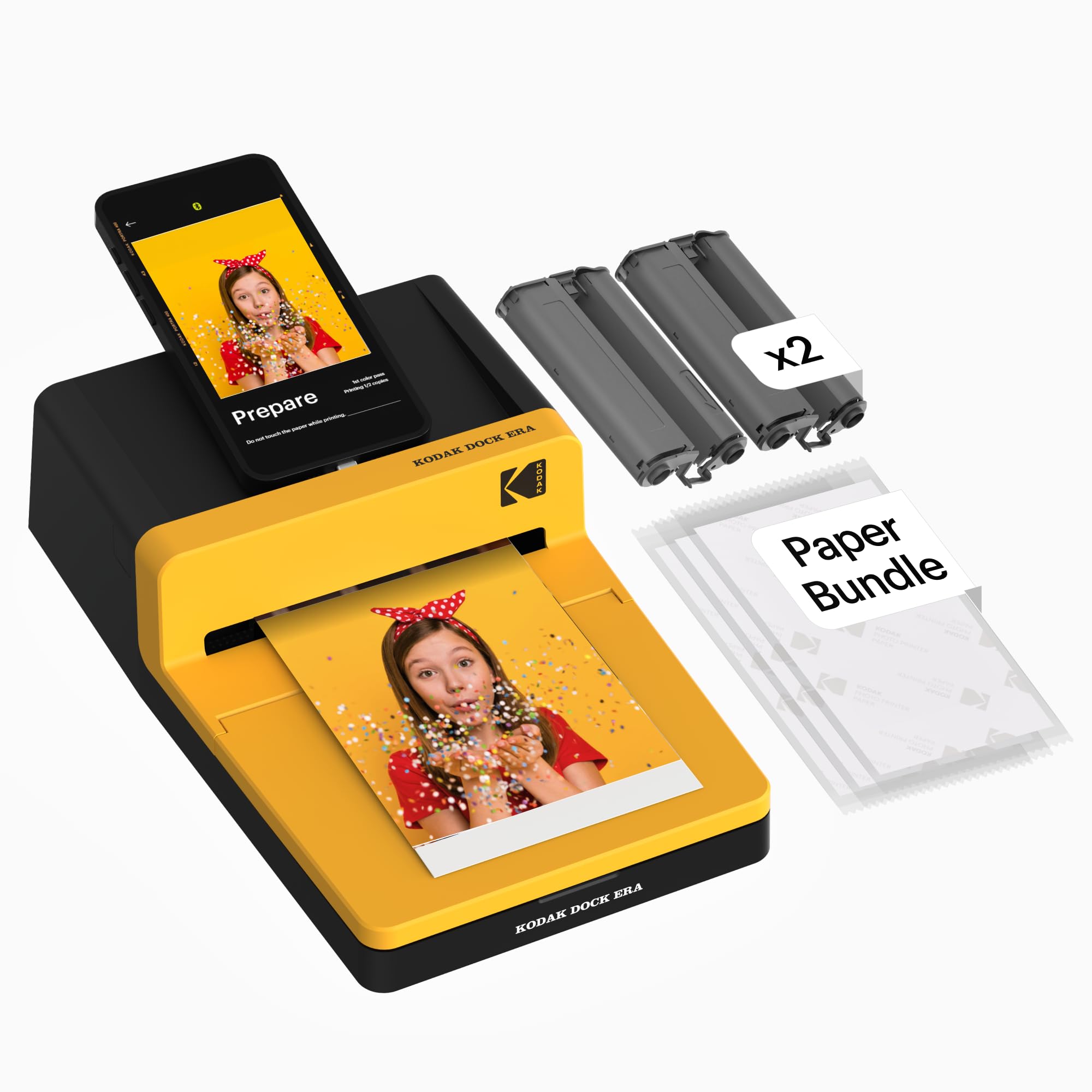
Community discussions report recurring issues with print quality and Bluetooth connectivity for the KODAK Dock Era 4x6'' Desktop Photo Printer.
- Many users find the print quality of the KODAK Dock Era Plus underwhelming compared to other options on the market.
- Community members have reported problems with Bluetooth connectivity, making it frustrating to print from smartphones.
- The Kodak app is not the most intuitive, leading to confusion and a less than pleasant user experience.
While the printer offers convenient docking and charging, persistent issues with print quality and connectivity may frustrate users seeking reliable performance, with no definitive solutions readily available.
Who it suits
Works well if
- Quick, convenient printing from smartphones via docking and Bluetooth.
- Users who value integrated smartphone charging while printing.
Think twice if
- Users prioritising consistently high print quality over convenience.
- Those who struggle with or dislike troubleshooting connectivity issues.
The numbers that matter
- Produces 4x6” prints resistant to fingerprints, water, and fading.
- Prints in approximately 55 seconds.
- Features integrated Bluetooth connectivity for iOS & Android devices.
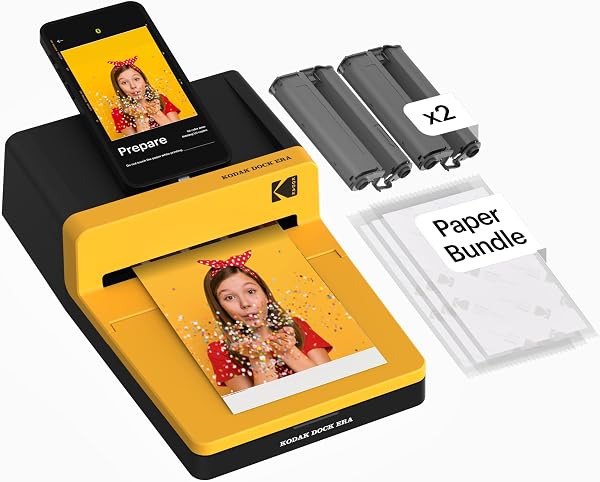
- Has an integrated docking station for smartphone connection and simultaneous charging.
- Marketplace rating is 4.1 out of 5 stars from 19,716 ratings.
What the evidence says
| Item | Value |
|---|---|
| Product Name | KODAK Dock Era 4x6'' Desktop Photo Printer, 50 Sheets, Docking & Bluetooth Smartphone Printer for iOS & Android, Instant Color Prints, 4PASS Dye Sublimation |
| Print Size | 4x6'' |
| Printing Technology | 4PASS Dye Sublimation |
| Print Speed | 55 seconds |
| Connectivity | Bluetooth |
| Smartphone Charging | integrated docking station for charging the device |
| Marketplace Rating | 4.1 / 5 |
| Space Needed | 8 to 10 inches (open space behind the printer) |
| Power Source | electrical outlet (no built-in battery) |
This listing does not publish a detailed specifications table or warranty information.
Where buyers hesitate
Why is my KODAK Dock Era not printing?
Community discussions report connectivity issues and app problems that may prevent printing. Community members have reported problems with Bluetooth connectivity, making it frustrating to print from smartphones. The Kodak app is also noted as not being intuitive. Some community members have asked if blurred prints are normal, suggesting potential quality issues preventing clear output.
How to connect KODAK Dock Era to Bluetooth?
Connect via the KODAK Photo Printer app using Bluetooth as detailed by the manufacturer. The printer features integrated Bluetooth connectivity and connects to compatible iOS and Android devices through the KODAK Photo Printer app. Simply power on, connect wireless Bluetooth, and start printing within seconds.
Are photo printers worth it?
Photo printers offer convenience for instant prints, but cost per print and quality can vary significantly. Dedicated photo printers like the KODAK Dock Era provide instant prints from smartphones, ideal for social media sharing or photo albums. However, potential buyers should consider the cost per print, and potential quality differences.
What are printer accessories?
Printer accessories include consumables like ink and paper, and optional add-ons for enhanced functionality. Within the Printers Accessories category, common items include ink cartridges, photo paper, and cleaning supplies. These are essential for maintaining printer operation and achieving desired print results.
Why we judge it this way
The KODAK Dock Era 4x6'' Desktop Photo Printer aims to provide convenient, high-quality photo prints directly from smartphones. Its integrated docking station for charging and Bluetooth connectivity are key selling points, highlighted in the listing. The product description further details its genuine 4PASS dye sublimation printing, which produces photos in three color layers and finishes them with a clear protective lamination layer. These prints are designed to resist fingerprints, water, and fading for long-lasting quality, with each print taking approximately 55 seconds.
However, community feedback points to significant drawbacks that challenge these claims. A recurring complaint is that many community members find the print quality of the KODAK Dock Era underwhelming compared to other options on the market, directly contradicting the listing's emphasis on "high-quality" output. This suggests a potential mismatch between marketing and community expectation regarding output fidelity, which is a critical factor for a photo printer.
Beyond print quality, Bluetooth connectivity issues are a source of frustration for community members, making it difficult to print from their smartphones. This is particularly problematic given that wireless Bluetooth printing is a core advertised feature for connecting to compatible iOS and Android devices. Furthermore, the accompanying Kodak Photo Printer app, essential for editing, cropping, customizing, and printing photos, is described as unintuitive, leading to confusion and a less than pleasant user experience. These software and connectivity problems can severely hinder the ease of use that the product purports to offer.
Despite these notable issues, the product does offer distinct advantages. The integrated docking station allows for simultaneous charging and printing, a convenience factor that appeals to community members who want to streamline the process. The printer is designed for straightforward operation, making it ideal for first-time users and everyday photo printing, with simple power-on and Bluetooth connection steps. It functions as a home printing station, designed for stable desktop use and connecting to a power outlet for consistent performance. Some community reports praise the vibrancy and lamination of the 4x6" prints, noting their resistance to water and fingerprints.
The overall marketplace rating of 4.1 out of 5 stars from a substantial number of ratings (19,716) indicates that while many community members are satisfied, a significant portion encounter these specific recurring problems. Consequently, potential buyers should carefully weigh the convenience and durability claims against the reported print quality and connectivity challenges. The KODAK Dock Era is best suited for users who prioritize convenience and smartphone integration and are willing to accept potential quality compromises or troubleshooting.
The strongest objection we found
Many community members find the print quality of the KODAK Dock Era Plus underwhelming compared to other options on the market.
Frequently Asked Questions
What this page does not answer
- What is the best 4x6 photo printer on the market?
- How does the KODAK Dock Era compare to the Canon SELPHY CP1500?
- Canon SELPHY CP1500 wins on portability and app support for filters and edits
- Explore other photo printers in the Printers Accessories category
How this analysis was built
Analysis of the product listing, including features and description. Cross-referencing with community-reported issues from YouTube and Reddit forums. Examination of common problems found in the 'Printers Accessories' category on Amazon.
Statements regarding general printer issues, such as jamming or slow print speeds, are derived from reviews of other products in the 'Printers Accessories' category.
Sources and verification
Everything on this page traces back to the listing published for this product on Amazon.co.uk. At the analysis date that listing showed 4.1 stars across 19,716 reviews. The write-up works from 10 verified data points, drawn from listings of comparable products in this category. Analysis generated on 2026-10-29.